
Choose tech by compatibility, not marketing noise
Practical checklists for the decisions that actually matter: compatibility, ports, power, workflow, setup and long-term usefulness.

Choosing a Smartwatch for Samsung and Android Phones in Canada
A compatibility-first checklist for notifications, calling, battery life and Android integration.
Read guide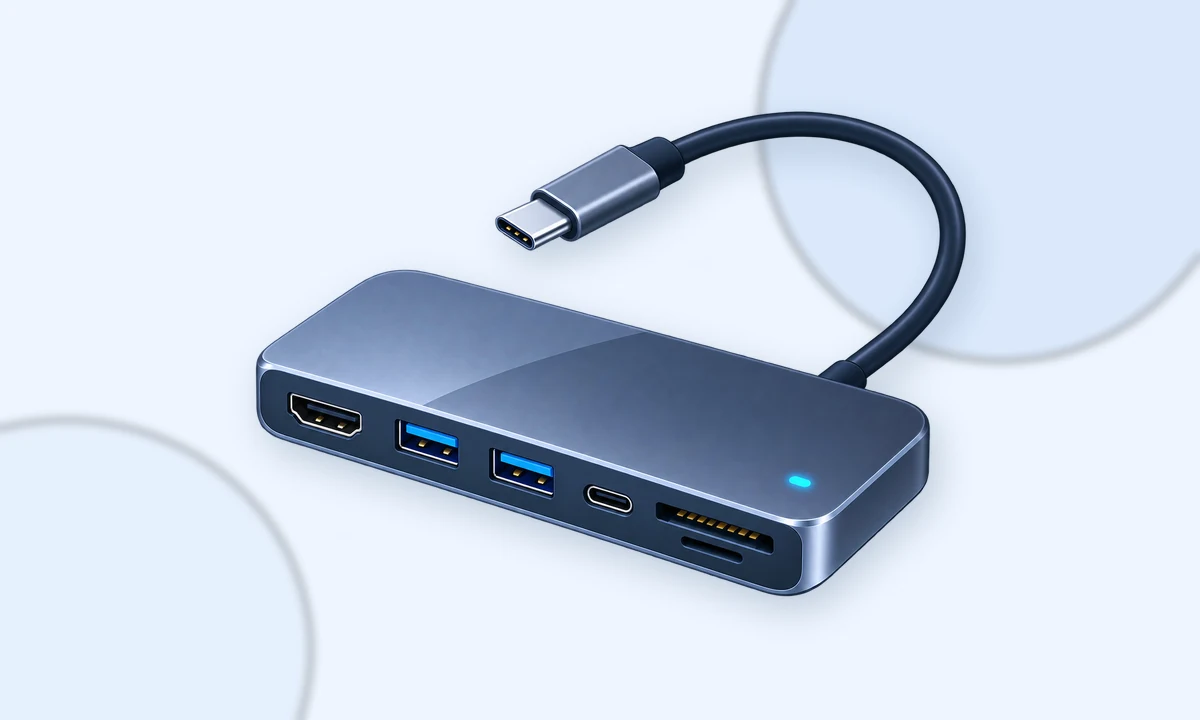
How to Choose a USB-C Hub for a Laptop in Canada
Choose ports based on your real desk setup and avoid paying for bandwidth your laptop cannot use.
Read guide
Router or Mesh Wi-Fi? A Canadian Home Upgrade Guide
Decide whether you need one stronger router, better placement or a mesh system.
Read guide
Raspberry Pi 5 Storage and Cooling: What Is Actually Worth Buying
Prioritize the upgrades that matter for servers, media libraries and sustained workloads.
Read guide
3D Printer Accessories That Are Actually Useful
A practical accessory list focused on measurement, maintenance and print reliability.
Read guide
Portable SSD vs NVMe Enclosure: Which Should You Buy?
Compare sealed portable SSDs with build-your-own NVMe enclosures for backups and project storage.
Read guide
Monitor Arm Buying Guide: VESA, Weight and Desk Compatibility
Avoid the three compatibility mistakes that make monitor arms frustrating or unsafe.
Read guide
Choosing a Webcam That Behaves Well on Linux
Prioritize UVC compatibility, exposure quality and microphone expectations over marketing resolution.
Read guide
Mechanical Keyboard Buying Guide Without the Hype
Choose layout, switch feel and connectivity before worrying about enthusiast terminology.
Read guide
A Lean Tech Stack for a Small Canadian Business
Start with the smallest set of tools that handles website, email, payments and customer follow-up.
Read guide